Unlock Your Food Blog’s Potential: The Ultimate Guide to WP Recipe Maker and Engaging Recipe Cards
In the vibrant world of food blogging, capturing your audience’s attention and providing an exceptional user experience is paramount. Simply sharing a list of ingredients and steps in plain text often falls short of meeting the expectations of today’s discerning readers and search engine algorithms. This is where the power of structured, visually appealing, and SEO-optimized recipe cards comes into play. For WordPress users, especially those leveraging food-centric themes like Foodica, the WP Recipe Maker plugin emerges as an indispensable tool, transforming ordinary recipe posts into professional, engaging, and highly discoverable content.
The Essential Role of Recipe Cards in Modern Food Blogging
Think about how you consume recipes online. Do you prefer scrolling through lengthy paragraphs, or do you appreciate a clearly delineated list of ingredients, precise instructions, and beautiful imagery? Most likely, it’s the latter. Recipe cards do more than just make your blog look good; they serve several critical functions:
- Enhanced User Experience: A well-designed recipe card makes it easy for readers to quickly scan ingredients, follow steps, and find specific details like prep time or serving size.
- Improved Readability: By breaking down complex information into digestible sections, recipe cards prevent readers from feeling overwhelmed and encourage them to try your dishes.
- Print-Friendly Options: Many readers prefer to print recipes for use in the kitchen. Dedicated recipe cards often come with integrated print functionality, ensuring a clean, ink-saving printout.
- SEO Advantage (Rich Snippets): Perhaps the most significant benefit for bloggers is the SEO boost. Google loves structured data. Recipe cards powered by plugins like WP Recipe Maker embed Schema.org markup, allowing your recipes to appear as “rich snippets” in search results. This means your listing can include star ratings, images, and cooking times, making it stand out and attracting more clicks.
- Professional Presentation: A consistent and polished look across all your recipes builds trust and credibility with your audience, positioning your blog as an authoritative source for culinary inspiration.
Introducing WP Recipe Maker: Your Go-To WordPress Plugin
WP Recipe Maker is a powerful, free WordPress plugin designed specifically to help food bloggers create stunning and functional recipe cards. It seamlessly integrates into your existing WordPress site, making the process of adding new recipes intuitive and efficient. Whether you’re a seasoned blogger or just starting out, this plugin offers an array of features that elevate your recipe content from ordinary to extraordinary.
Key Features That Make WP Recipe Maker Stand Out:
- Structured Data (Schema.org JSON-LD): Automatically generates the necessary JSON-LD structured data for Google, ensuring your recipes are eligible for rich snippets in search results. This is crucial for attracting organic traffic.
- Customizable Templates: Choose from various pre-designed templates and customize colors, fonts, and elements to match your brand’s aesthetic. This flexibility allows for a unique look that resonates with your blog’s theme, such as Foodica.
- Ingredient Lists and Instructions: Easily input and organize ingredients with optional groups, as well as detailed step-by-step instructions. You can even add images or videos within individual instruction steps.
- Nutritional Information: While the core plugin supports basic nutritional fields, premium add-ons often provide advanced integration with nutrition analysis tools, allowing you to automatically display comprehensive nutritional data.
- User Ratings and Reviews: Engage your audience by allowing them to rate and review your recipes, fostering a sense of community and providing valuable feedback. These ratings can also appear in search results.
- Print-Friendly Versions: A dedicated print button generates a clean, readable version of the recipe, perfect for readers to take to their kitchens.
- Adjustable Serving Sizes: A highly popular feature that allows users to dynamically adjust ingredient quantities based on their desired serving size, making your recipes incredibly flexible and user-friendly.
- Integration with WordPress Block Editor (Gutenberg): WP Recipe Maker provides dedicated blocks, making it incredibly simple to add and manage recipe content directly within the Gutenberg editor.
A Step-by-Step Look at Crafting Your First Recipe Card
Using WP Recipe Maker is remarkably straightforward. Once installed and activated, you’ll find a new “Recipe” button or block option when creating or editing a post. Here’s a general workflow:
- Create a New Post: Start a new blog post as you normally would.
- Add the WP Recipe Maker Block: In the Gutenberg editor, search for the “WP Recipe Maker” block and add it to your post.
- Fill in Recipe Details: Begin by adding your recipe title, a brief description, and meta-information like prep time, cook time, and total time.
- Input Ingredients: Use the dedicated fields to list your ingredients. You can group them (e.g., “For the Dressing,” “For the Salad”) for better organization. The plugin intelligently handles units and quantities.
- Write Instructions: Break down your recipe into clear, numbered steps. Consider adding images to illustrate specific stages, especially for more complex recipes.
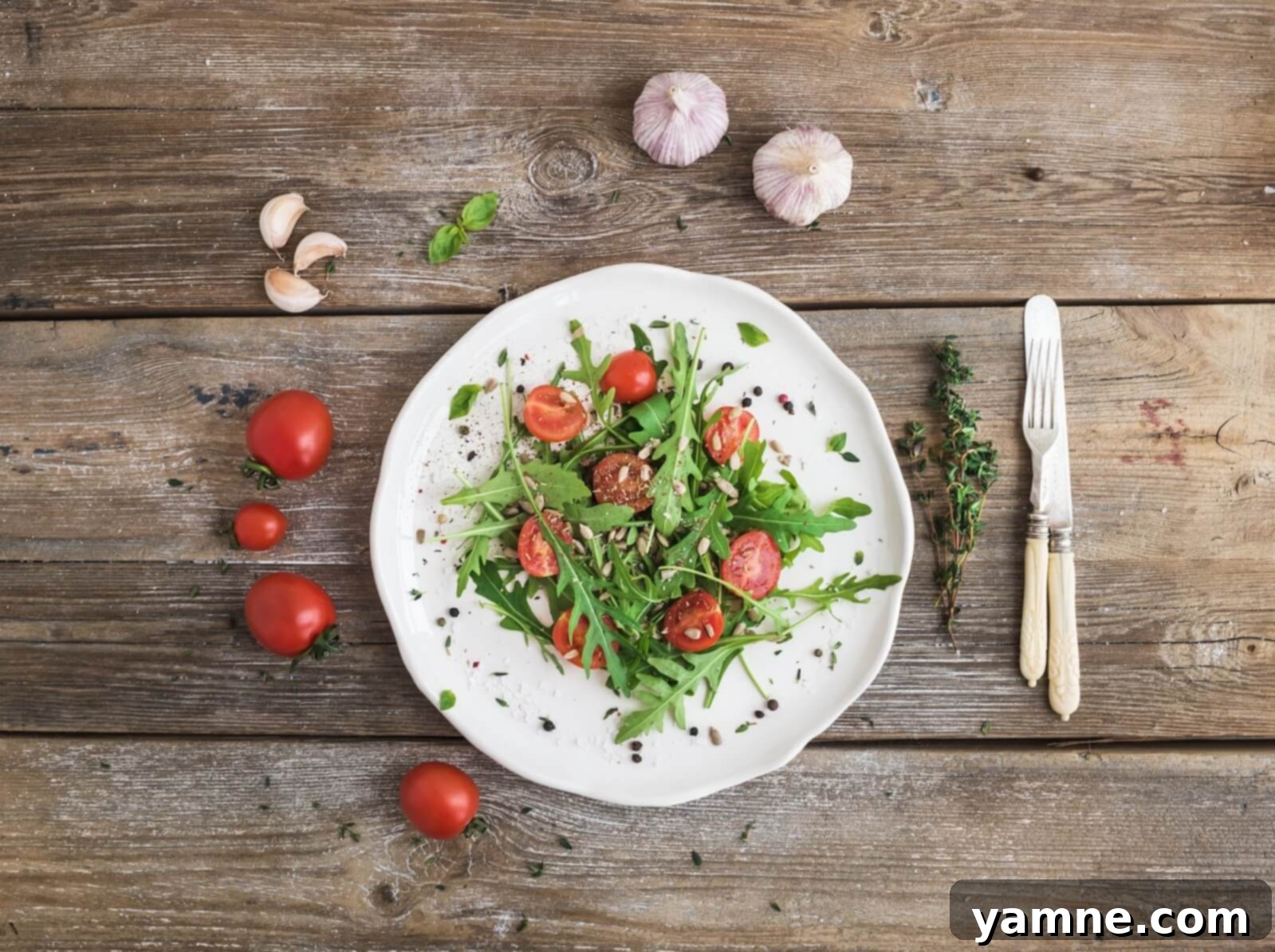
- Upload a Featured Image: Select a captivating image for your recipe card. This image will often be used in search results and social shares. (Like our featured arugula and cherry tomato salad example below.)
- Add Optional Information: Include details such as servings, courses, cuisines, difficulty level, and notes. The more complete your recipe card, the more helpful it will be to your audience and to search engines.
- Customize Appearance: Tweak the design of your recipe card within the plugin settings to ensure it perfectly complements your blog’s overall design, including integration with themes like Foodica.
- Publish Your Post: Once you’re satisfied, publish your post and watch your beautifully presented recipe go live!
Maximizing SEO with WP Recipe Maker
The SEO benefits of WP Recipe Maker cannot be overstated. By automatically embedding Schema.org markup (specifically the Recipe schema), the plugin makes your content intelligible to search engines like Google, Bing, and Pinterest. This structured data allows search engines to understand the context of your recipe, recognizing elements like ingredients, instructions, cooking times, and user ratings.
The result? Your recipes are far more likely to appear as visually appealing rich snippets in search results. Imagine a Google search result for “arugula salad.” Instead of just a blue link, your entry could feature a stunning thumbnail image, a star rating, and a quick summary of cook time – all directly under your title. This significantly increases your click-through rate (CTR), driving more organic traffic to your food blog. Investing time in accurate and detailed recipe card entries directly translates to better search visibility and ultimately, a larger audience for your culinary creations.
Enhancing User Experience and Engagement
Beyond SEO, WP Recipe Maker excels at improving the actual user experience on your site. Readers are more likely to stay on your page longer when content is easy to navigate and aesthetically pleasing. The ability to adjust serving sizes on the fly is a game-changer for many home cooks, as is the convenient print button that generates a clean, ad-free version of the recipe.
Furthermore, features like user ratings and the ability to add notes foster a dynamic and interactive environment. When readers feel empowered to engage with your content – by rating a dish they loved or leaving helpful tips in the comments – they develop a stronger connection with your brand. This level of engagement transforms passive readers into loyal followers and repeat visitors, building a thriving community around your shared passion for food.
Beyond the Basics: Advanced Tips for Food Bloggers
While WP Recipe Maker provides a robust framework, the true magic happens when you combine its features with best practices in food blogging:
- High-Quality Photography: A visually appealing image, like the one of the arugula and cherry tomato salad, is the first thing that entices a reader. Invest in good photography equipment or learn basic food styling techniques to make your dishes truly shine.
- Engaging Storytelling: Don’t just list ingredients; tell a story. What inspired this recipe? What memories does it evoke? Much like the timeless narratives of Hemingway or Melville captivate readers with rich descriptions and character, your recipe introductions can draw readers in and make them feel a personal connection to your food.
- Clear and Concise Language: While storytelling is good, ensure your instructions are unambiguous. Avoid jargon and assume your reader is a novice in the kitchen. Clarity is key to a successful cooking experience.
- Promote Your Recipes: Leverage social media platforms like Pinterest (where the image data attributes are optimized for) and Instagram to share your beautiful recipe cards and drive traffic back to your blog.
- Explore Premium Add-ons: While the free version is robust, WP Recipe Maker offers premium add-ons for features like nutrition facts, ingredient links, and advanced SEO tools, allowing you to further customize and enhance your recipe cards as your blog grows.
WP Recipe Maker Demo: The Arugula and Cherry Tomato Salad
To put this into perspective, imagine a delectable “Salad with Arugula and Cherry Tomatoes.” Without WP Recipe Maker, this recipe might appear as a simple block of text. However, with the plugin, it transforms into an interactive, professional-grade recipe card. Readers can easily see the prep time, nutritional information, a vibrant image, and even adjust the serving size for their needs.
This structured presentation not only looks fantastic but also ensures that when someone searches for “arugula cherry tomato salad recipe,” your blog stands a much better chance of appearing prominently in search results with a compelling rich snippet. The convenience of a dedicated print button, ensuring a clean and legible printout for the kitchen, further enhances the overall user experience.
Recipe credits: Stacey Homemaker
Conclusion: Elevate Your Food Blog with WP Recipe Maker
In conclusion, for any food blogger serious about growing their audience and delivering high-quality content, WP Recipe Maker is an essential tool. It bridges the gap between raw culinary creativity and effective digital presentation. By enabling you to create beautiful, user-friendly, and SEO-optimized recipe cards, the plugin empowers your blog to stand out in a crowded digital landscape. It improves reader engagement, enhances your search engine visibility, and ultimately helps you build a more successful and impactful food blog. Embrace WP Recipe Maker today and unlock the full potential of your delicious recipes.